PDF vs Word: which should hold the document
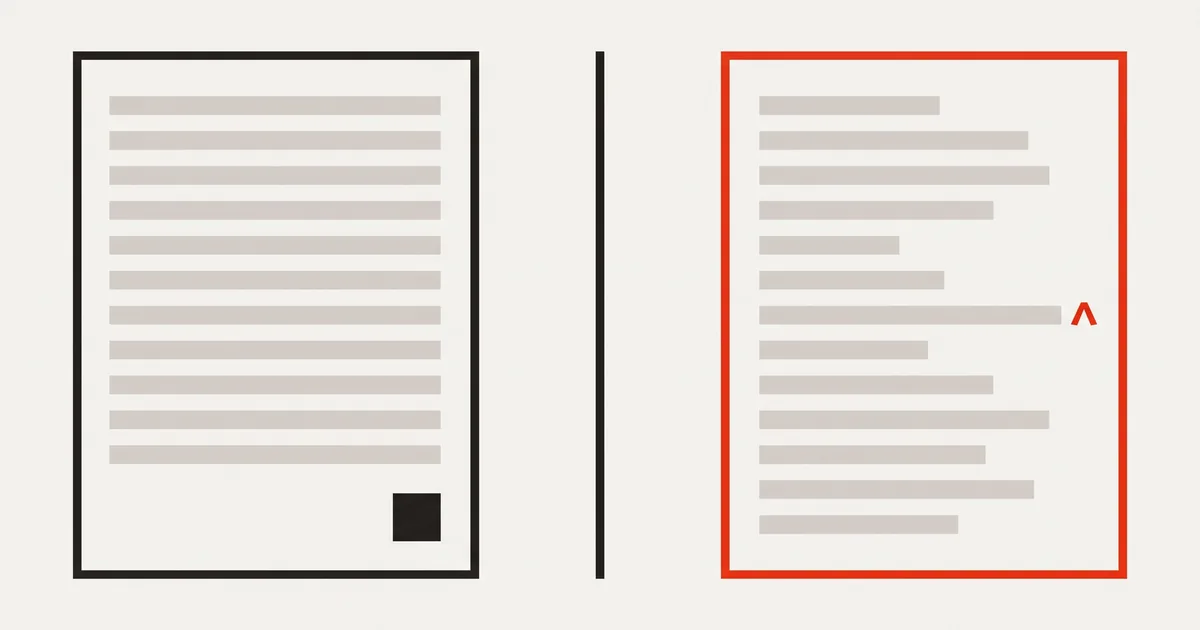
Word is for writing, PDF is for what you send — and converting between them costs you the layout. How to decide, and how to edit a PDF without a round trip.
Every office has the same argument. Somebody asks for the Word file so they can change a date; somebody else says the PDF is the version of record. PDF vs Word is not a question of which format is better — they were built for different halves of a document's life, and the trouble starts when one is asked to do the other's job.
PDF vs Word: what each format is for
Word (.docx) |
||
|---|---|---|
| Built for | Writing and revising | Presenting and archiving |
| Layout | Reflows to fit fonts, paper, settings | Fixed: same everywhere, forever |
| Text editing | Native, unlimited | Possible, within the layout |
| Looks identical everywhere | No | Yes |
| Long-term readability | Depends on the software | Openly specified |
| Right for | Drafts, collaboration, templates | Contracts, invoices, forms, anything sent |
Word reflows on purpose. That is what makes it a writing tool, and it is exactly why the same file can paginate differently on two machines. PDF fixes the page — the format is publicly specified in ISO 32000-1, which is why a 2005 invoice still opens correctly today.
Where the document should live
The rule that avoids most pain: the editable master lives in Word; the version you send lives in PDF. Keep the .docx for the template you will reuse and the text you will rewrite. Export a PDF for the copy that goes out.
One more reason to send the PDF: a .docx carries more than the text. Author names, the template it came from, comments somebody forgot to delete and — depending on the settings — tracked changes all travel inside the file. Exporting to PDF leaves that behind, which is part of why the sent copy is the PDF and the working copy is not.
That works right up until the moment you have only the PDF — which is most of the time when the document came from somebody else. Then the question is not which format is better, but what to do with the file in your hands.
The round trip, and what it costs
The reflex is to convert the PDF to Word, edit, and export a PDF again. It works, and it is rarely free:
- Layout breaks. The converter guesses at the structure: text boxes, tables and columns come back approximately. A one-page letter usually survives; a designed invoice often does not.
- Fonts change. If the original font is not on your machine, the substitution changes line lengths, and the pagination follows.
- Tables become an art project. Converters rebuild them as tables, or as floating text boxes, and you find out which afterwards.
- Everything else has to be checked. Headers, footers, page numbers, signature blocks — the parts nobody looks at until a client does.
A conversion is worth it when you need to rewrite substantially — new paragraphs, a restructure, a document you own anyway. For a wrong number or a misspelled name it is a large amount of work and risk for a small change.
Editing the PDF instead
The alternative most people do not know exists: change the text in the PDF, in place. Nothing about the format makes text read-only — a page is a list of drawing instructions, and the one that draws a line of text can be replaced.
That is what PDFinline does: click the line, type, export. Only that run of text is rewritten; every other instruction on the page stays byte-for-byte the same, so the layout cannot shift because there is nothing to re-lay-out. Details are in how to edit text in a PDF, and the limits — scans, outlined text, incomplete font subsets — in why a PDF can refuse to be edited.
Two caveats keep this honest. Long replacements run on rather than rewrapping, because text is positioned rather than flowed — so it suits corrections better than rewrites. And a tool that only draws new text over the old is not doing this at all; the difference matters, and it is visible in the exported file.
Which to choose, by task
| Task | Use |
|---|---|
| Fix a typo, a date, an amount | Edit the PDF in place |
| Rewrite whole sections | Word, then export a new PDF |
| Fill in a form somebody sent | The PDF — type on the page |
| Sign and return a document | The PDF — sign it and export once |
| Collaborate on a draft | Word (or a shared editor) |
| Send the final version | PDF, always |
| Archive for years | |
| Reuse the layout next quarter | Keep the Word master |
Things PDF does that Word cannot
Worth knowing, because they are often the reason a document is a PDF in the first place:
- Page fidelity. What you see is what the recipient sees and what the printer prints.
- Page-level operations. Merging, splitting, extracting and rotating pages are native ideas in PDF and awkward in a word processor.
- Digital signatures over the bytes, which are meaningful precisely because the file is fixed.
- Archival profiles (PDF/A) designed for documents that must open in twenty years.
And the reverse: styles, track changes, comments-driven collaboration, mail merge, automatic tables of contents. Those are what a word processor is for, and no PDF editor should pretend otherwise.
FAQ
Can I edit a PDF without converting it to Word?
Yes, if it contains real text: the text run in the page is replaced with yours, and the rest of the layout does not move. Converting is only necessary when you need to rewrite and reflow substantial parts of the document.
Why does my PDF look different after converting to Word and back?
Because the converter had to guess the structure and your machine had to substitute fonts. Both change line lengths, and pagination follows. It is the normal cost of a round trip, not a mistake you made.
Is Word or PDF better for sending a document?
PDF, in almost every case. It looks the same for the recipient, it cannot be edited accidentally, and it does not reveal your revision history. Send Word only when you want the other side to edit.
Which format is better for long-term storage?
PDF, and specifically PDF/A for archives. The format is openly specified, so files stay readable independently of any one vendor's software.
Can a PDF be as easy to edit as a Word file?
For corrections, close to it. For rewriting, no — and by design: the fixed page that makes PDF reliable is the same thing that stops text from reflowing when you type.
Should I keep both versions of a document?
Yes, if you will reuse the layout: the Word master for the next revision, the PDF for the copy you sent. Just make sure it is clear which one is the version of record — normally the PDF that went out.
Final thoughts
Word and PDF are not competitors; they are two stages of the same document. Draft in a word processor, publish as a PDF, and when a published document needs a small correction, correct the PDF rather than reverse-engineering it. The round trip is a tool for rewrites, not for typos.